


Creating Websites with Simple, AI-Guided Steps

Introduction

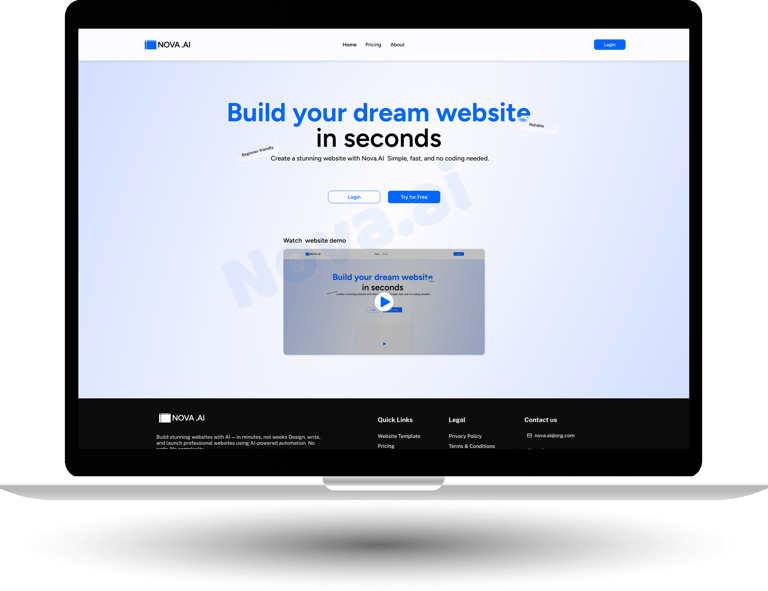
Nova.ai is an AI-powered website builder designed to help small business owners and non-designers create professional websites easily. The main idea behind Nova.ai is simple:

Anyone should be able to build a website without coding, design skills, or confusion.

This case study explains the problem, thinking process, design decisions, and final solution in a clear, step-by-step way.

Project Name: Nova.ai – AI Website Builder case study
Role: UI/UX Designer
Platform: Web
Tools Used: Figma, FigJam, Photoshop
Team: Solo Designer

Problem Statement

While many AI website builders exist, most of them create difficulties for beginners:

  • Users are asked to sign up or pay before understanding how the product works

  • There is no clear explanation or demo showing how the website will be created

  • Too many forms and technical questions appear at the start

  • Editors feel complex and overwhelming for non-designers

  • Little or no guidance is provided while building or editing the website

Because of this, users do not understand the process, feel uncertain about the outcome, and often leave before completing or publishing their website.

Goal

The goal of Nova.ai was to design a website builder that:

  • Is easy for first-time users

  • Requires no coding or design knowledge

  • Guides users step by step using AI

  • Allows users to see results before paying

Target users

  • Small business owners

  • Freelancers

  • People creating a website for the first time

  • Simple instructions

  • Quick results

  • Affordable solution

  • Confidence while building

User needs

User Persona

Name: Ramesh Kumar
Age: 34
Profession: Owner of a local bakery
Technical Skill: Low
Goal: Get a simple website online to showcase products and attract customers

Challenges:

  • Has never built a website before

  • Feels scared of "technical" tools

  • Does not want to spend money before seeing results

Expectation from nova.ai:

“I just want something simple that works and looks professional.”

Research and Observations

Research Methods

This is a concept-based case study created using:

  • Product analysis

  • Personal observation

  • Existing AI website builders

Observations and competative Analysis

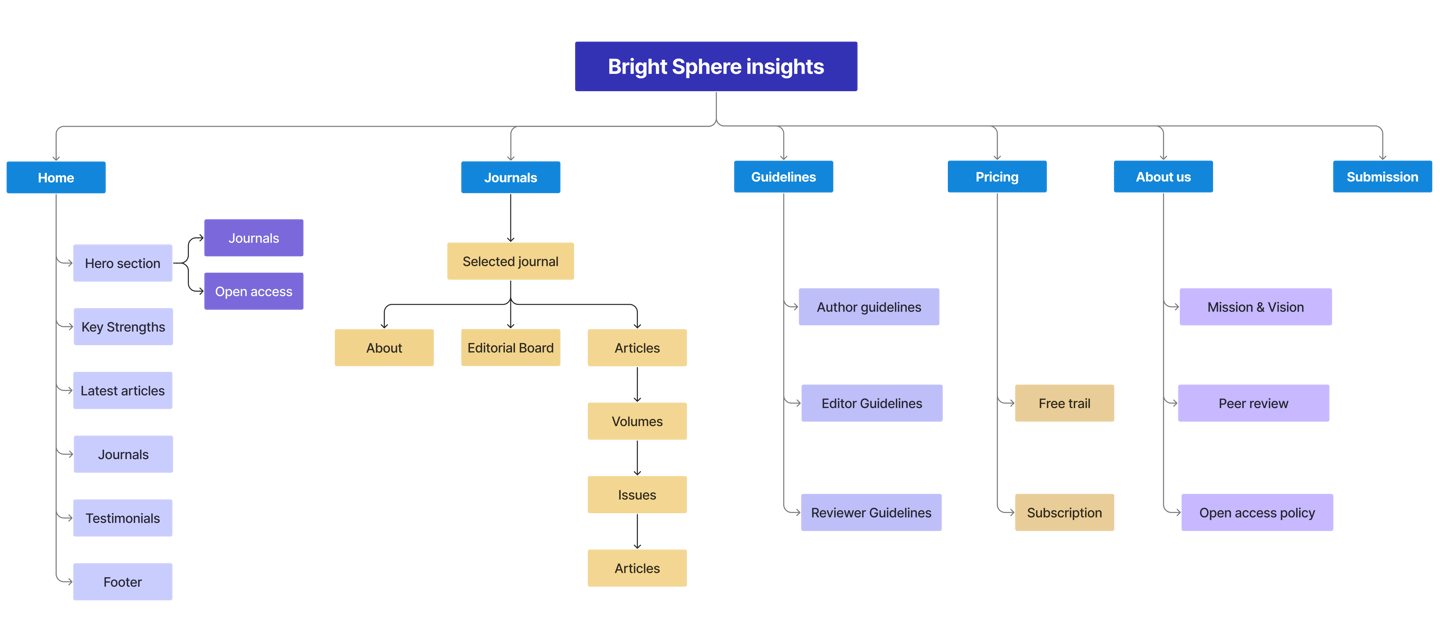
Site map

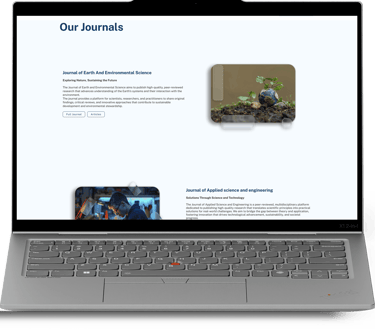
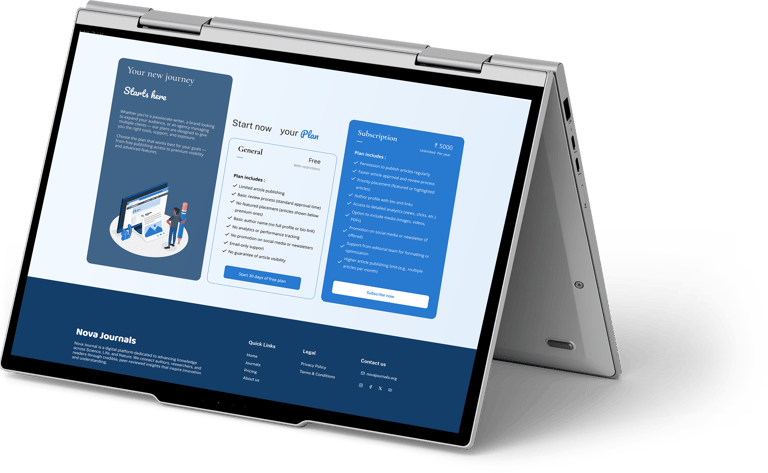
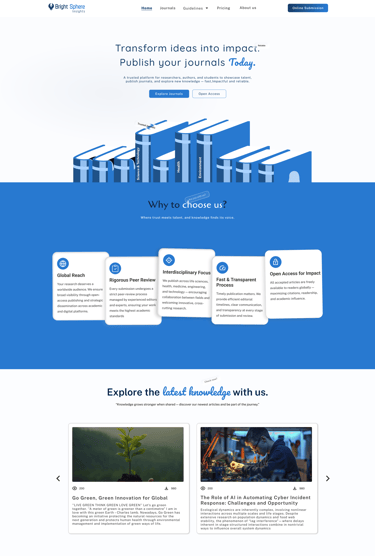
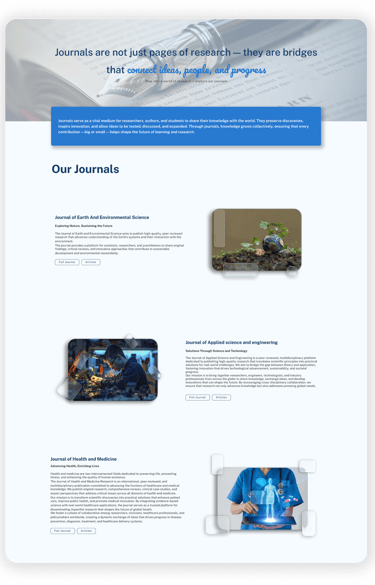
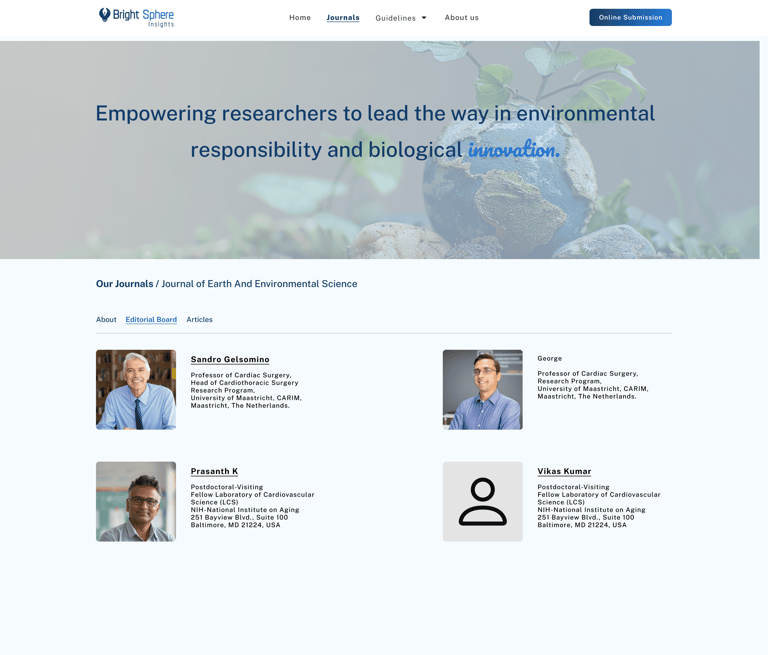
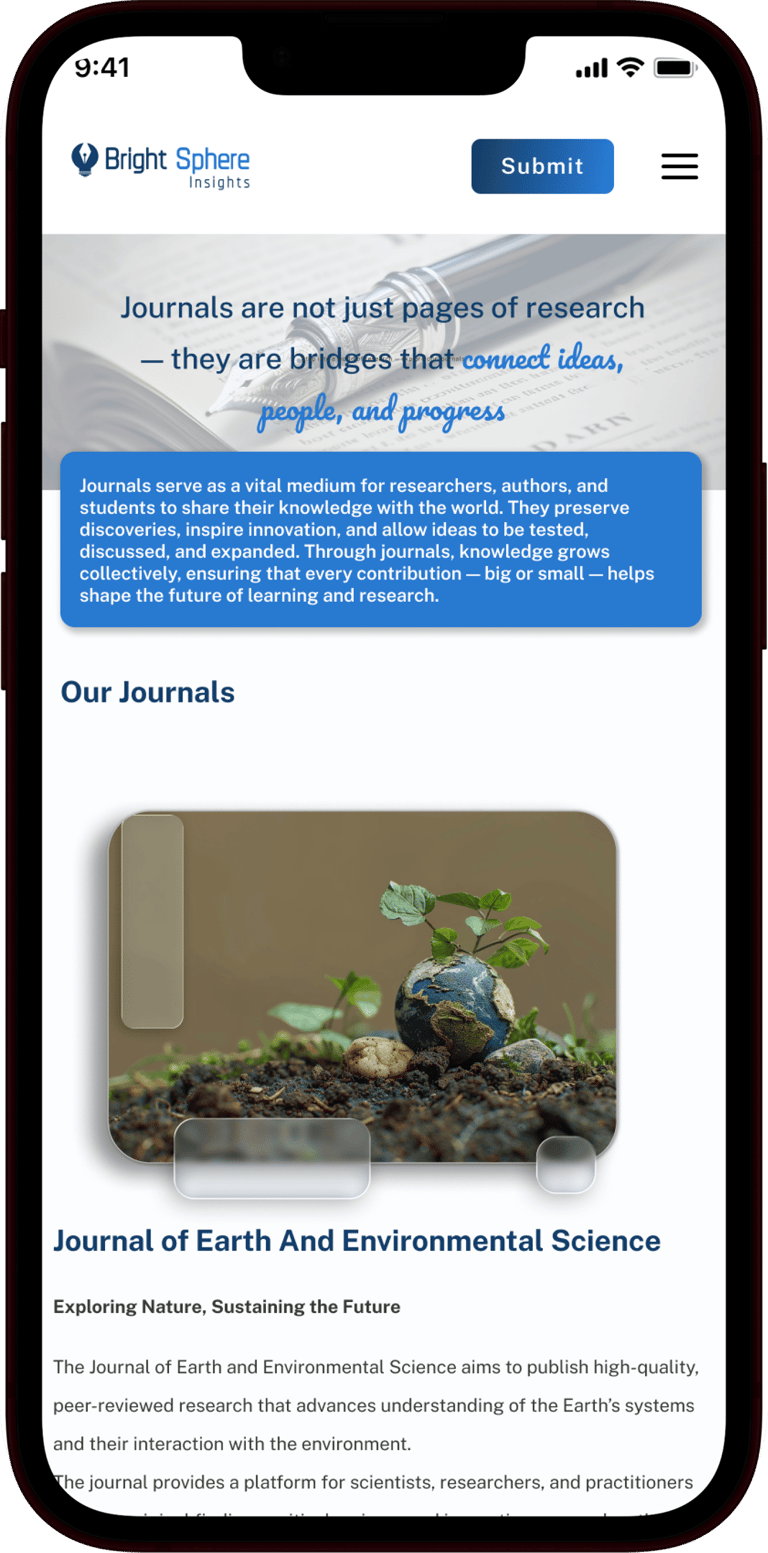
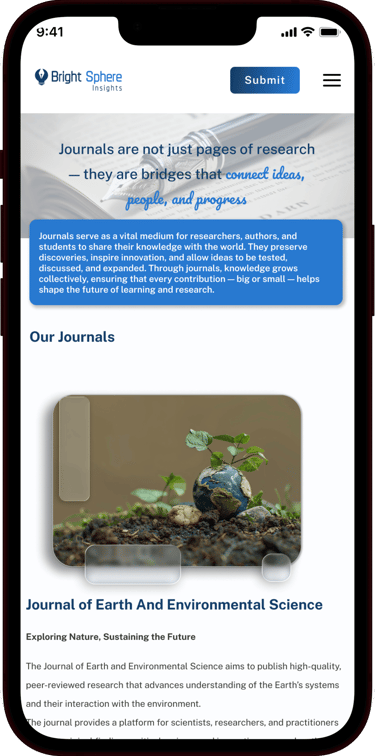
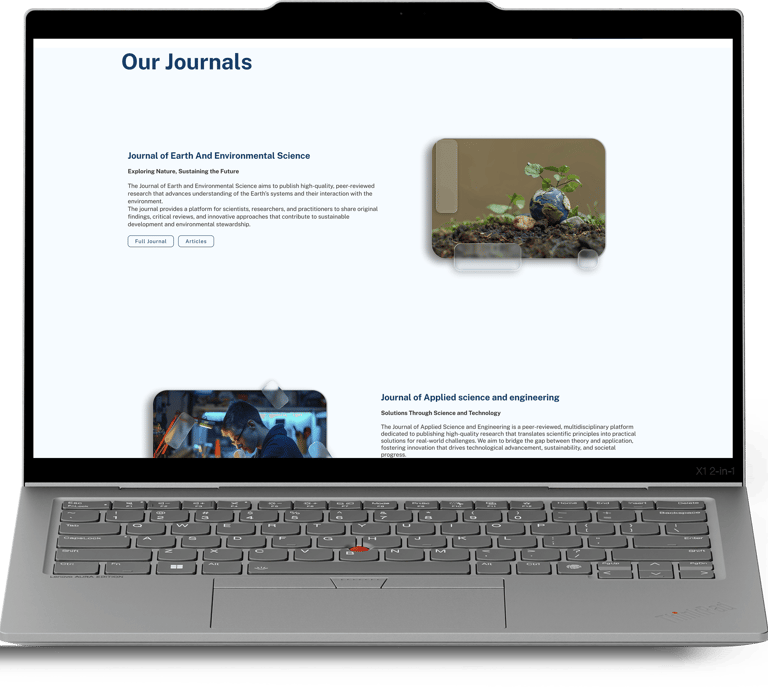
The website was structured to support smooth article publishing and a comfortable reading experience through the following sections

Design system

Public Sans is a modern, open-source sans-serif typeface designed for clarity, neutrality, and readability — especially in digital interfaces and public-facing communications.

Public Sans

ABCDEFGHIJKLMNOPQRSTUVWXYZ

abcdefghijklmnopqrstuvwxyz

0123456789

#2879D0

Primary Colour

Secondary Colour

Text Colour

Background Colour

#143E6A

#393939

#FCFDFF

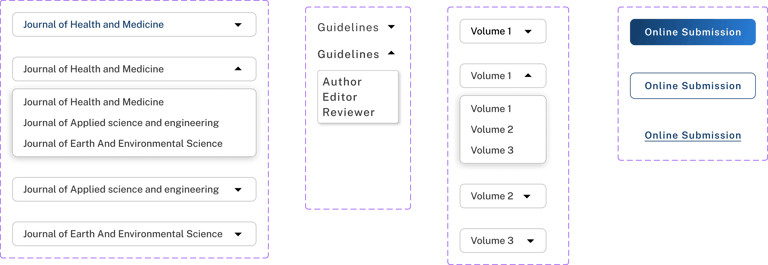
Components

Colours

Typography

  • Icons sourced from the React Icons library

Icons
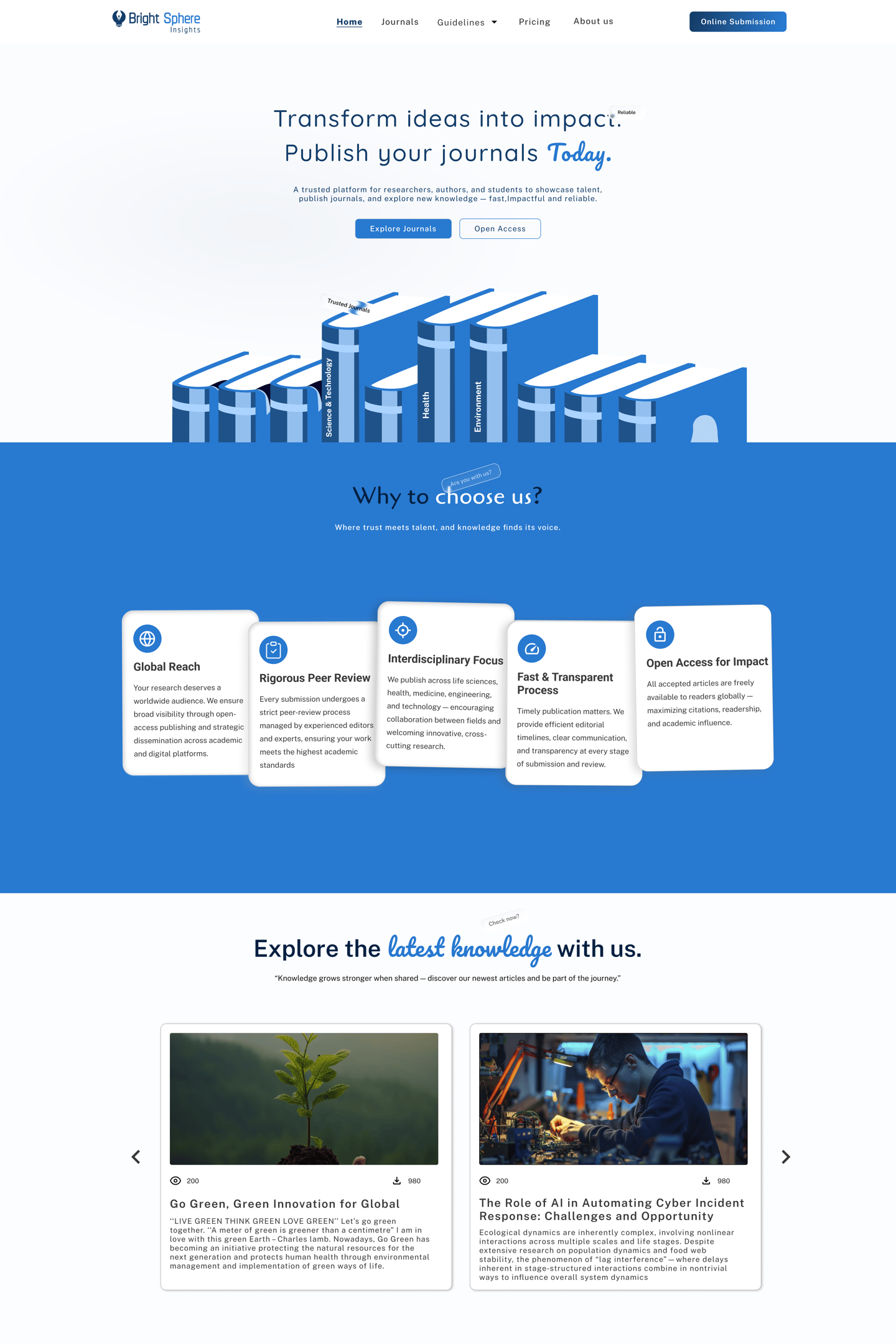
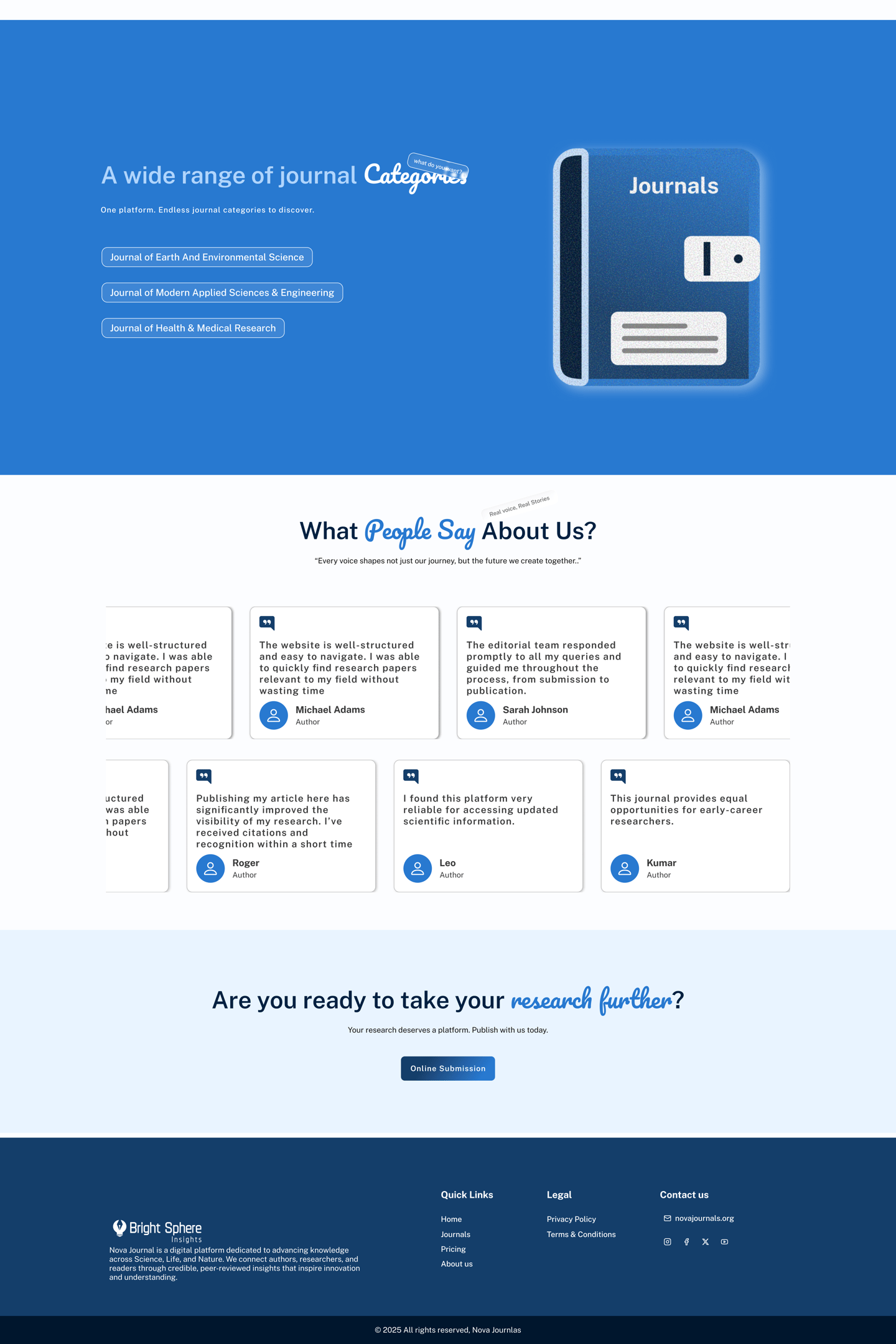
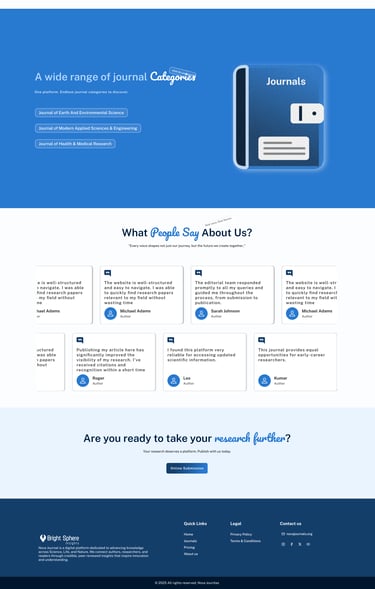
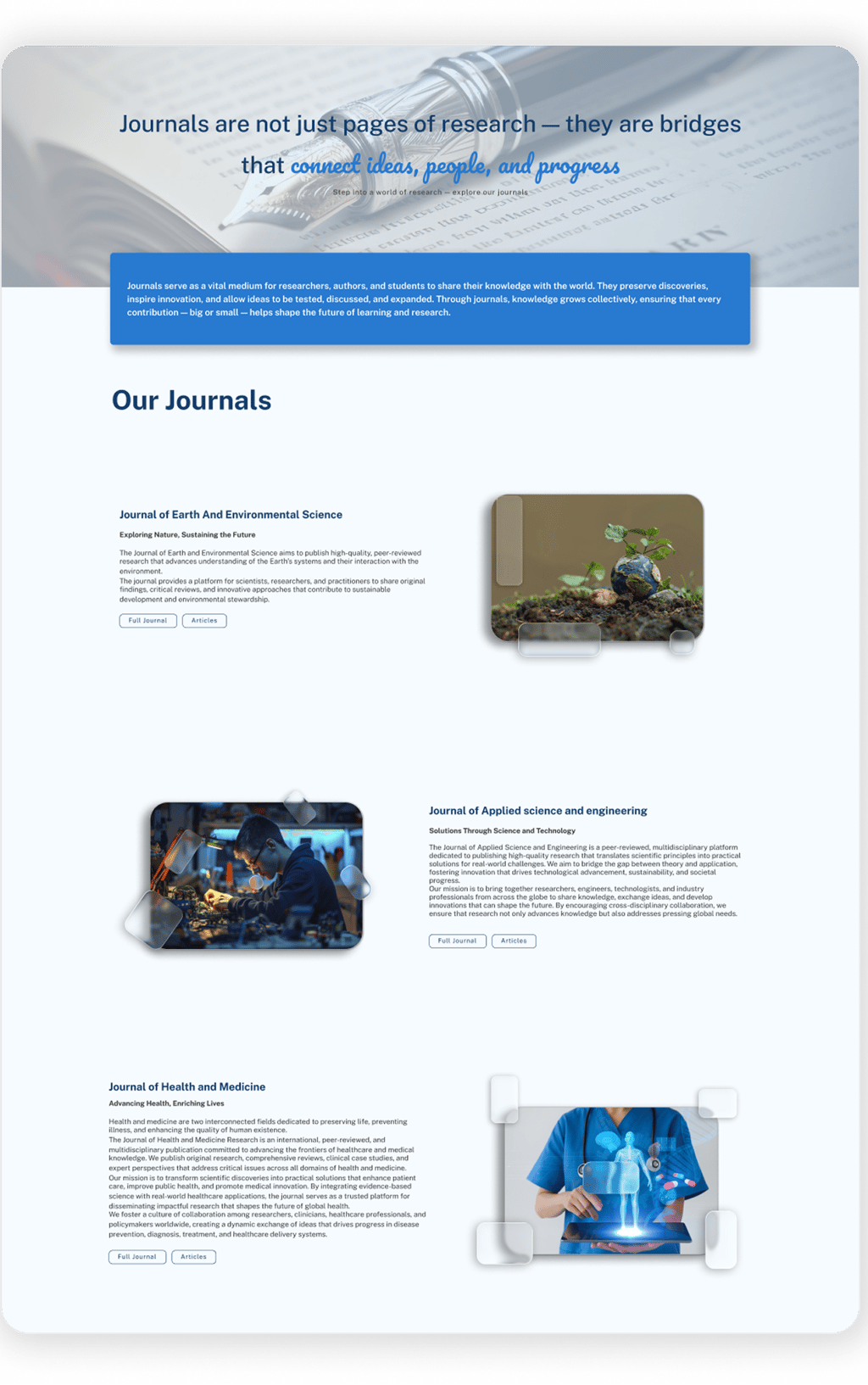
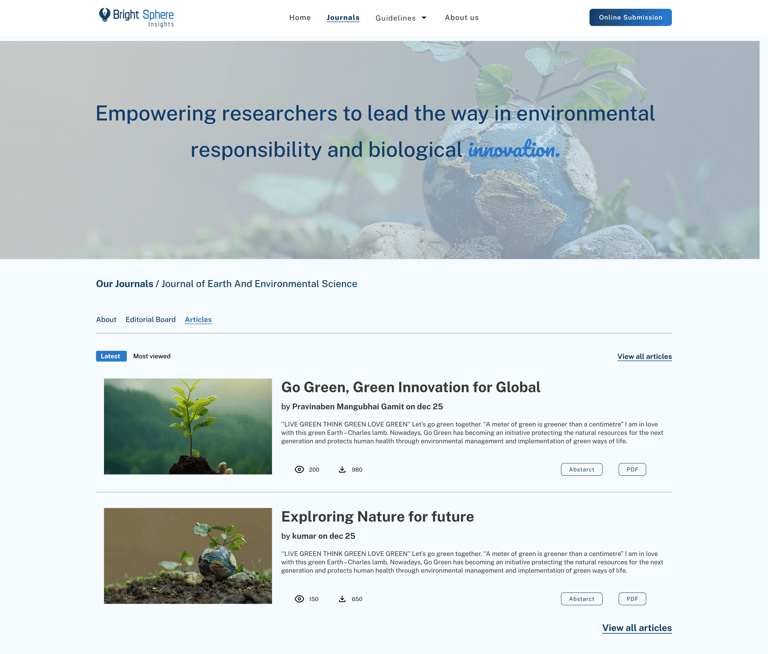
High Fidelity wireframes
  • Publishing platforms need strong structure

  • Simple UI improves trust for authors and readers

  • Clear hierarchy helps users read faster

  • Good UX reduces effort in content-heavy products

Thank you for your time :)

Learnings and Takeaways

Feel free to provide your valuable suggestion and comments

Get in touch

Mail

Linkedin